
Same old 8 GB card — once I added QuantFunc to ComfyUI, it renders nearly 5× faster than native.
Figures are steps per second generating a 1024×1024 (1K) image vs each model's native (unquantized) baseline, measured on an RTX 4090; representative best-case, varying by model, resolution and GPU. Benchmarks & methodology →
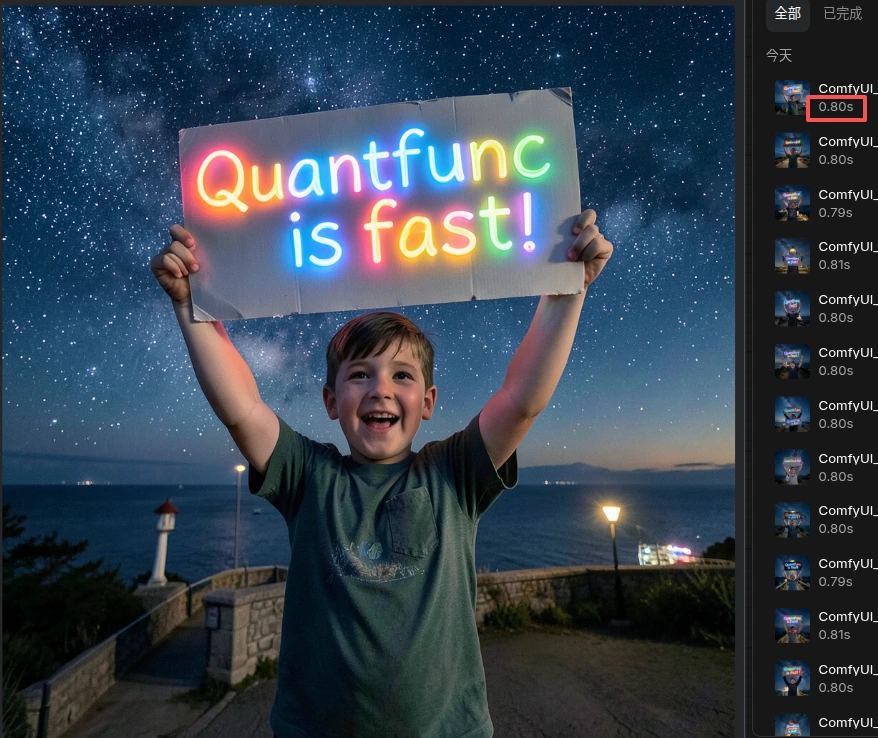
Every image below was generated locally in 1–2 seconds:



Once it’s installed, they don’t go back
"Running Flux on 8 GB now — nearly 5× faster than native. Installed it and never looked back."
"Didn’t change a single node — wired it in and got 6× instantly. auto_optimize just works."
"With render times gone, client revisions barely wait anymore. We iterate several more rounds a night."
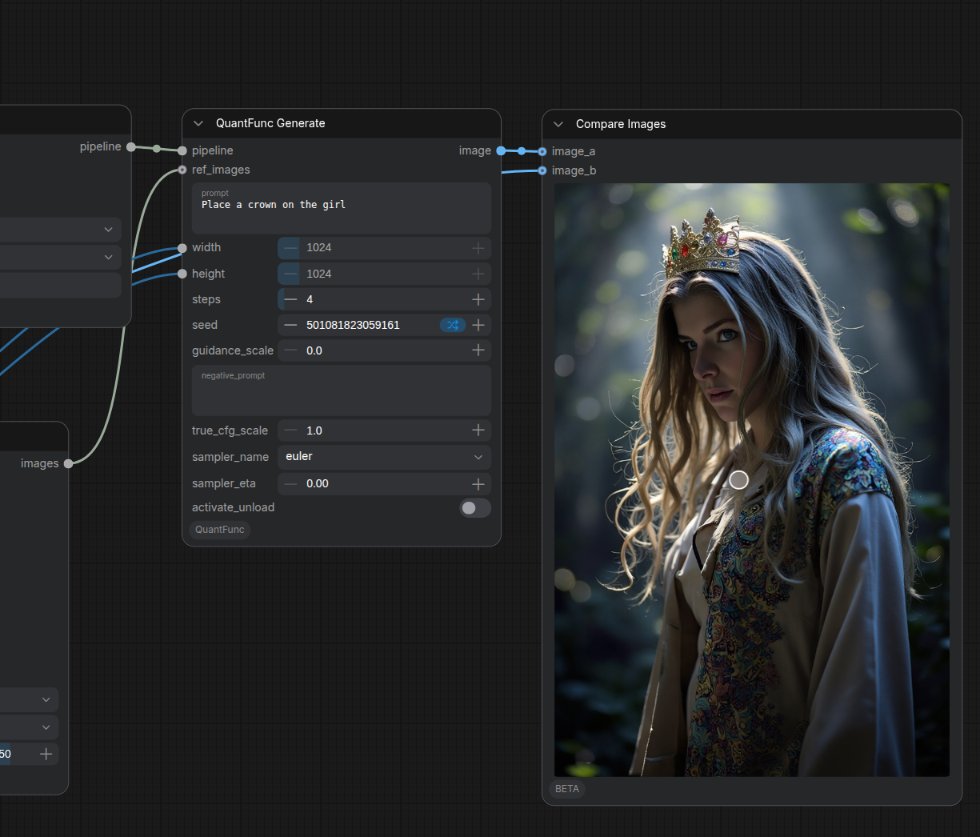
"Qwen-Image-Edit follows my edit prompts precisely and keeps the rest of the image intact — a 1536² edit takes just seconds on my 12 GB card, all local."
"Wired the SDK into our service in a few lines — stable latency, no quality loss, way cheaper than cloud."
Figures are steps per second generating a 1024×1024 (1K) image vs each model's native (unquantized) baseline, measured on an RTX 4090; representative best-case, varying by model, resolution and GPU. Benchmarks & methodology →
Same card, several times faster
Measured on RTX 40-series across popular models: QuantFunc quantized kernels run many more steps per second on a 1024² (1K) image — the bigger the model, the bigger the win.
Figures are steps per second generating a 1024×1024 (1K) image vs each model's native (unquantized) baseline, measured on an RTX 4090; representative best-case, varying by model, resolution and GPU. Benchmarks & methodology →
Drop-in — no workflow rewrite
Clone into custom_nodes and restart ComfyUI (the engine auto-downloads on first run). Generate in three nodes — Model Auto Loader → Build Pipeline → Generate; precision and backend are auto-derived, so most users never touch a setting.
1cd ComfyUI/custom_nodes2git clone https://github.com/RealJonathanYip/ComfyUI-QuantFunc.git3pip install -r ComfyUI-QuantFunc/requirements.txt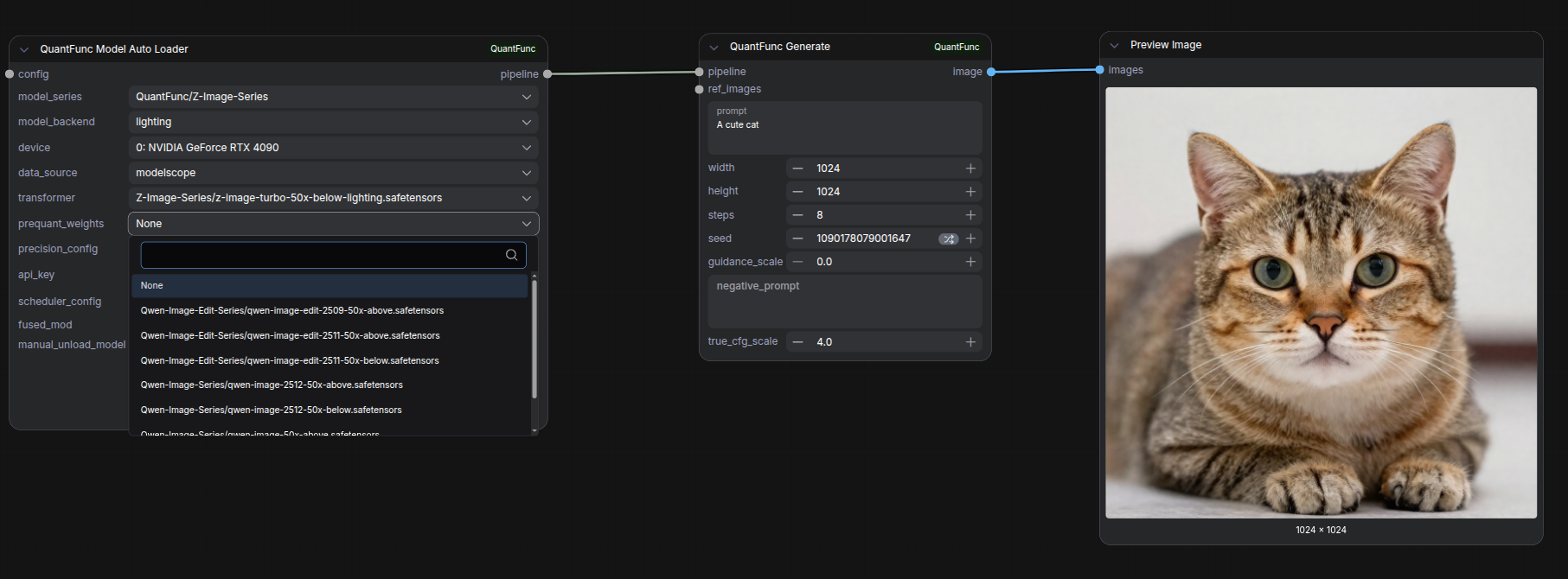
Lighting + NVFP4 / INT4 — 4-bit, almost no quality loss
QuantFunc pairs its in-house Lighting quantization engine with NVFP4 / INT4 4-bit quantization to slash VRAM while keeping detail — and CUDA 12 / 13 precompiled kernels deliver 0 ms JIT stall.
Our own inference engine quantizes weights at load time — no external toolchain, detail intact.
Native 4-bit quantization — NVFP4 (float) or INT4 — slashes VRAM with near-zero quality loss.
CUDA 12 / 13 precompiled kernels — no first-frame hitch, no model-swap wait.
Supported models
Figures are steps per second generating a 1024×1024 (1K) image vs each model's native (unquantized) baseline, measured on an RTX 4090; representative best-case, varying by model, resolution and GPU. Benchmarks & methodology →
Explore all our quantized models onModelScope·Hugging Face
We never charge for any model. Please comply with each original model's license.
Call it from your own code
Beyond ComfyUI — QuantFunc ships a Python SDK plus a stable C API / CLI. A few lines wires the engine into your service.
1import os2import quantfunc as qf3 4with qf.QuantFuncPipeline.from_pretrained(5 diffusers_model_path="/models/Z-Image-Turbo",6 api_key=os.environ["QUANTFUNC_API_KEY"],7 vram_budget=0.8, # 80% of the card; "8g"/"12288mb" too8) as pipe:9 out = pipe("a neon city at night", width=1024, height=1024, step=8)10 out.save("out.png")11 print("seed", out.seed, round(out.elapsed_seconds, 2), "s")Video workflows — coming soon
Video models like Wan and LTX are being brought to QuantFunc — the same quantized kernels will take local short-video generation from overnight to one coffee break.
Runs on 8 / 12 / 16 / 18 / 20 / 24 GB
The engine plans residency to fit your card: 4-bit quantization + layered offload let consumer GPUs run models that used to demand 24 GB.
Start free, upgrade when it flies
Fixed-device users pick a PC plan; cloud-server users pick a Traffic plan. Register to claim an API key — the ComfyUI plugin and Python SDK work out of the box.
Register and go, per device
Bind 1 device — unlimited for the term
Bind 5 devices — unlimited for the term
Domain / org binding, deeper discounts
All plans are free during the public beta — there's nothing to pay. The pricing below is for reference.
Each API key activates one plan. Upgrade within a type; switching types isn’t supported — need both PC and Traffic? Claim a separate API key for each. All quotas reset weekly. Paid plans auto-renew and can be cancelled anytime (effective at the end of the current period).
Your workflow runs on firmware you can trust
Generation stays local — verifiable firmware, controllable keys, data never leaves your machine.
SHA-256 firmware checks
Every plugin and kernel binary ships a SHA-256 fingerprint, verified on download — no tampered firmware.
Third-party audits
Independent security audits and compliance certs are in progress, with public results.
Least-privilege keys
Rotate or revoke API keys anytime; runs at least privilege so a leak is contained instantly.
Local inference, no exfil
Generation runs on your own GPU — prompts and images never leave your machine.
Max out your GPU
Install the ComfyUI plugin or drop in the Python SDK — see 2×–11× in minutes.